This note preserves the original context of the Facebook post. Some tools, interfaces, and external links may have changed.
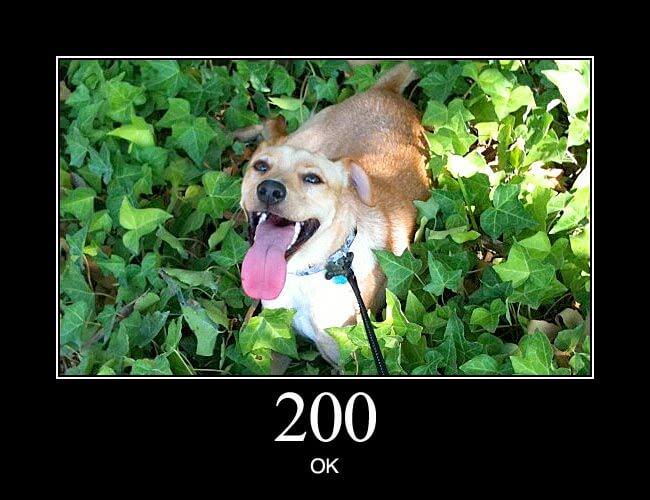
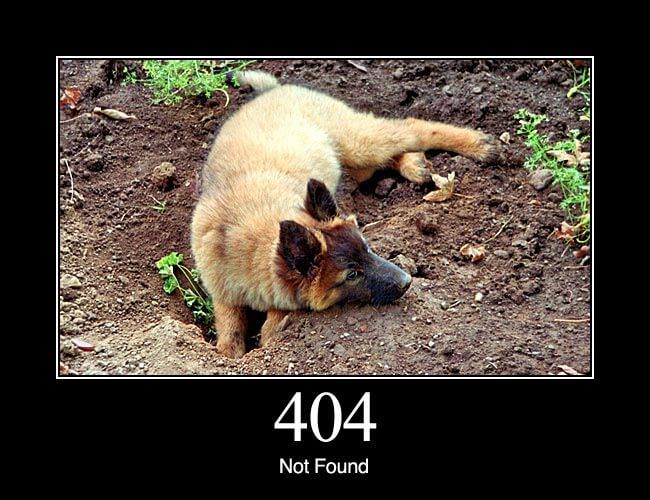

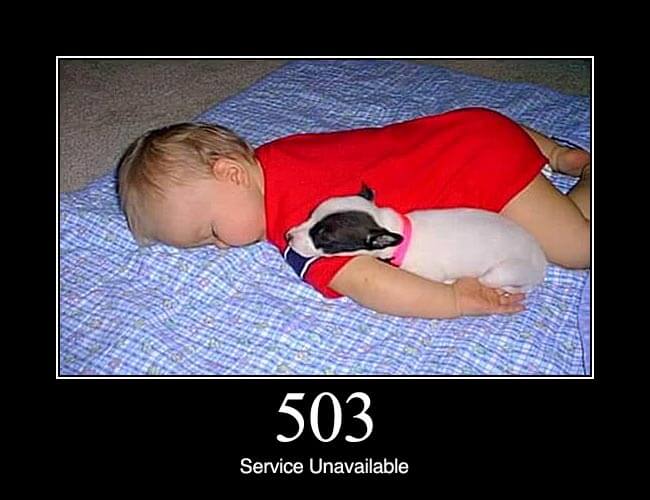
After entering the URL in the browser and pressing Enter, the browser sends a request to the server, and the server sends back a response describing the status of the resource.
Request Headers will bring information such as User-Agent, target path, and supported compression methods.
Response Headers will describe the return file and server processing results, among which the Status Code is most commonly used by SEO workers.
2XX usually means success, 3XX means you need to go to another location, 4XX usually means there is a problem with the request or the resource itself, and 5XX usually means a server-side error occurred.
After understanding this basic process, 404, 301, HTTPS, cache and crawler are no longer separate terms, but different signals in the life cycle of the same web page request.
Links mentioned in the original post
Related reading
How Search Engines Work: Crawling
Crawling is the first step in search. A crawler starts with a URL, visits it, discovers more URLs, and repeats the cycle. The concept sounds simple, but it contains many important SEO details.
How to Find 404 Pages on a Website with Screaming Frog
4XX pages are an essential part of any SEO audit. This article shows you how to use the powerful Screaming Frog SEO tool to find broken links across a website.
HTTPS is not only required for login and checkout
shared a basic concept in 2018, explaining why the entire website should use HTTPS from three perspectives: encryption, data integrity and server verification.
Trailing slashes and duplicate content: What really needs to be unified is the entire URL signal
Organizes the differences between URL trailing slashes, HTTP/HTTPS, www and non-www versions, and explains that canonical, redirects, internal links, and sitemaps should all point to the same version.
Mobile content-first indexing: Dynamic Serving Don’t forget Vary
Save a working case that explains why HTTP's Vary: User-Agent may become an important cache signal when Dynamic Serving returns different HTML based on User-Agent.