This note preserves the original context of the Facebook post. Some tools, interfaces, and external links may have changed.
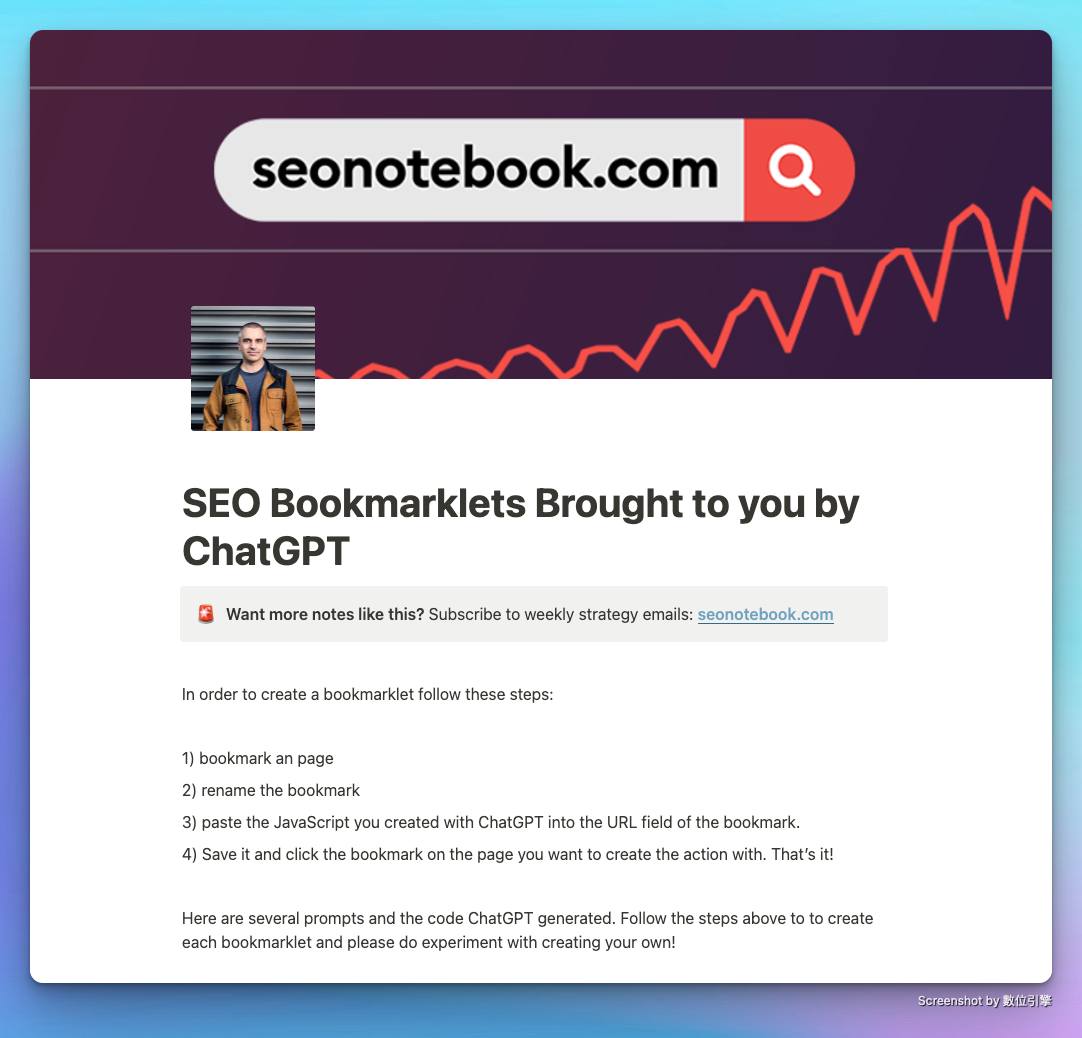
This post records a very intuitive way of working after ChatGPT became popular: hand the requirements to the model and ask it to generate JavaScript that can be put into browser bookmarks.
The original post lists a few examples.
- Copy all links on the page to the clipboard, distinguishing between internal links and external links.
- Copy the headers on the page to the clipboard and mark them H1 to H6.
- Find the text in the
emtag on the page. - Turn on the Wayback Machine to view historical versions of the page.
The value of this approach is not only to allow SEO workers to check pages faster, but also to demonstrate the workflow of “describing one-time manual checks as requirements, and then letting the model generate prototypes first.”
However, Bookmarklet directly executes JavaScript on the current page, which still requires manual inspection of the code and permissions.
In particular, tools that read page data, write to the clipboard, or call external services should not be used directly without understanding the content.
This content overlaps with the existing SEO Bookmarklet article on the website, so it is kept as a community context note on the website instead of copying a complete tutorial.
Links mentioned in the original post
Related reading
SEO| Bookmarklets - A practical tool for SEO
After becoming an SEO practitioner, you need to look at the Source Code from time to time and use commands such as "site:" and "cache:" to perform health checks on the website. These steps may not be particularly time-consuming, but if there is a tool that allows you to check the Alt Tag of each image on a webpage with just one click, see the cache of the webpage with just one click, and even see the Title of the page with just one click,
GPT Getting Started in SEO: An Early Application Checklist
organizes SEO use cases in the early days of ChatGPT’s popularization, from prompt words, technical SEO, content analysis to cross-language reading, retaining observations from the time when the tool ecology was just beginning to change.
15 Common Technical SEO Questions: Turn Checklists into Priorities
compiles a list of technical SEO issues for 2023 and puts things like redirects, image alt text, speed, titles, internal links, and indexing back into the order of actual optimization.